


At Alarm Dealers, we know how challenging Canadian winters can be for outdoor security cameras. When the temperature plunges to -30°C, icy winds blow, and snow piles up, even some "weatherproof" cameras just can't cut it. That's why it's not enough to shop for a camera based on resolution or smart features alone—you need real winter-ready durability.
In this guide, we'll walk you through what matters most when choosing the best outdoor security cameras for Canadian winter conditions. Whether you're protecting a home, cottage, or business in Toronto, Calgary, the prairies, or coastal BC, you'll discover the essential features, reliable power options, and proven installation techniques that keep your property secure year-round.
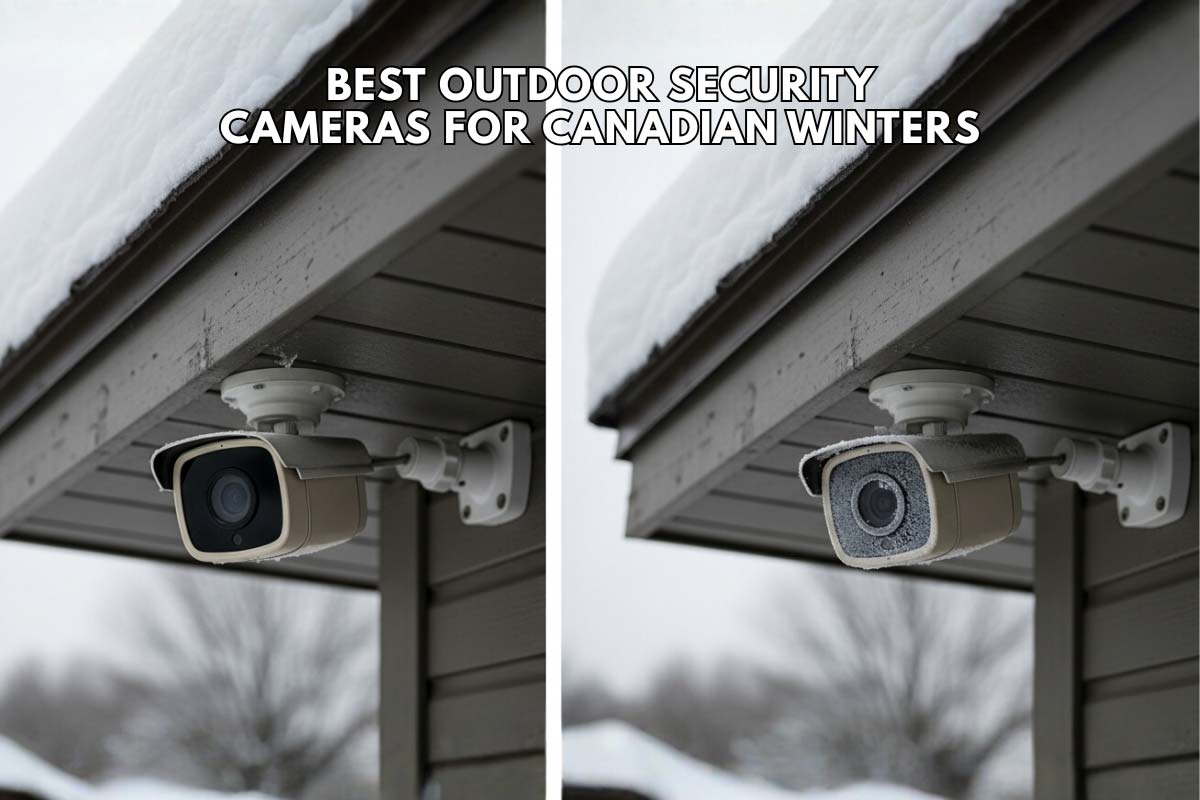
Why Most Outdoor Cameras Fail in a Canadian Winter
Many security cameras are marketed as "weatherproof," but the term can be misleading. The challenges of a Canadian winter go far beyond a little rain.
Common Winter Camera Failures
- Frozen batteries and power loss: Battery-powered cameras drain rapidly below -20°C, sometimes shutting down completely at -30°C or lower
- Lens fogging and frost: Condensation inside sealed housings creates internal frosting during freeze-thaw cycles, rendering lenses useless for recording
- Brittle housing damage: Plastic casings become fragile in extreme cold, cracking under stress from ice expansion or wind vibration
- Wi-Fi connectivity failure: Snow, ice, and thick exterior walls weaken signals, creating coverage gaps during critical weather events
- Connection corrosion: Unprotected wiring connections oxidize rapidly in freeze-thaw cycles, causing intermittent failures or complete system shutdown
Understanding these failure points helps you avoid cameras that promise winter performance but deliver disappointment.
Must-Have Features for a Winter-Proof Security Camera
To ensure your camera works all year round, you need to look past the marketing hype and focus on the technical specifications. These features are non-negotiable for reliable performance in freezing conditions.
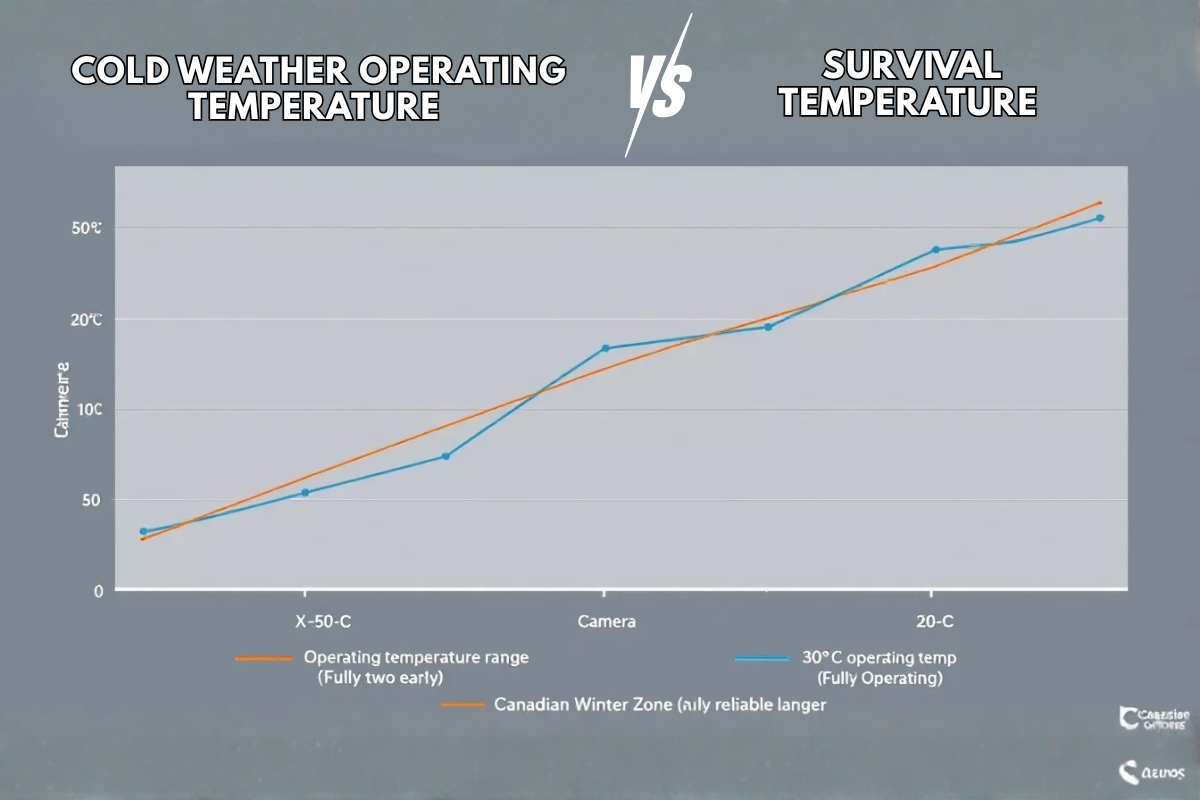
Cold Weather Operating Temperature vs. Survival Temperature
This is the single most important specification. Many manufacturers list two temperatures: survival and operating.
Understanding Temperature Ratings
Survival Temperature: The temperature range the camera can endure without being permanently damaged. It does not mean the camera will function.
Operating Temperature: The range in which the camera is guaranteed to be fully functional—recording, transmitting video, and using its features.
For a Canadian winter, you must prioritize a camera with an operating temperature rated to at least -30°C (-22°F). A camera with only a -20°C rating is not sufficient for many parts of the country and will likely fail during a cold snap.
Understanding IP Ratings for Winter Protection
The Ingress Protection (IP) rating measures how well a camera's sealed enclosure resists dust and liquid penetration. Understanding the two-digit code is essential:
- First digit (0-6): Solid particle protection. 6 = complete dust protection
- Second digit (0-8): Liquid protection. Higher numbers indicate stronger spray resistance
| IP Rating | Dust Protection | Liquid Protection | Winter Application | Sufficient? |
|---|---|---|---|---|
| IP64 | Protected from dust | Splash resistant | Light rain only; inadequate for snow | ❌ No |
| IP65 | Completely dustproof | Water jet resistant | Wind-driven snow, freezing rain | ⚠️ Minimum |
| IP66 | Completely dustproof | Powerful water jets | Heavy snow, ice dams, wet conditions | ✅ Good |
| IP67 | Completely dustproof | Temporary immersion (1m, 30min) | Freeze-thaw cycles, heavy melt, slush | ✅ Excellent |
| IP68 | Completely dustproof | Extended immersion | Professional arctic use | ✅ Overkill for most |
Canadian Winter Recommendation: IP66 minimum; IP67 for peace of mind in extreme climates or freeze-thaw regions.
Built-In Heaters and Fans: When They Matter
Professional-grade cameras in extreme climates include small internal heaters and fans. These don't "warm" the camera—they serve a critical function:
- Prevent lens frost: The heater warms the optical surface just enough to stop ice crystal formation
- Eliminate internal condensation: Prevents moisture buildup that causes fogging or electrical shorts
- Maintain lens clarity: Ensures uninterrupted recording during ice storms or rapid temperature swings
If you live in areas with regular -35°C+ temperatures or deal with frequent freeze-thaw cycles (common in prairie and Northern regions), a heater significantly improves reliability.
Power Source Comparison: PoE vs. Wi-Fi vs. Battery
Choosing the right power solution is absolutely critical for winter reliability. Each option has distinct winter performance characteristics.
| Feature | Power over Ethernet (PoE) | Wi-Fi | Battery |
|---|---|---|---|
| Winter Reliability | Excellent; unaffected by cold | Poor; signal weakens in snow/ice | Very Poor; batteries drain rapidly below -20°C |
| Power Stability | Constant wired power; never fails | Depends on router signal strength | Dies in extreme cold; frequent recharges needed |
| Installation Complexity | Medium; requires ethernet cabling | Easy; no wires | Very Easy; wire-free |
| Heater Support | Yes; cameras can include heaters | Limited; drains battery faster | No; battery drain too high |
| Video Lag | None; direct connection | Possible in poor signal | Possible; dependent on battery level |
| Maintenance | Seasonal checks only | Frequent troubleshooting | Weekly checks during winter |
| Best For | Permanent installs; zero downtime needed | Locations with poor wiring access | Temporary surveillance only |
Professional consensus: PoE dominates for Canadian winter installations. Constant power eliminates cold-weather drain. Cameras can include heaters for extreme climates. Zero maintenance during winter means reliable coverage when you need it most.
Top Outdoor Security Cameras for Canadian Winters
Below are five models tested or reviewed by Canadian users and installers, with winter performance data:
| Camera Model | Operating Temp | IP Rating | Power Type | Winter Reliability | Best For |
|---|---|---|---|---|---|
| Blink Outdoor 4 | -20°C to 60°C | IP65 | Battery (AA) | Fair | Coastal areas, mild winters |
| eufy eufyCam 3 4K | -20°C to 50°C | IP67 | Battery + Solar | Fair | Areas with good sunlight |
| Reolink RLC-823A | -30°C to 60°C | IP67 | PoE | Excellent | Prairie, Northern regions |
| TP-Link Tapo C320WS | -20°C to 40°C | IP65 | Wi-Fi + 12V | Good | Strong Wi-Fi coverage areas |
| Swann 1080p PoE | -22°C to 50°C | IP66 | PoE | Excellent | Professional/business use |
Individual Model Details
1. Blink Outdoor 4 (Best Budget Option)
Winter Note: Works reliably in -15°C; struggles below -20°C. Frequent battery changes needed in January-February. Good for milder coastal areas.
2. eufy eufyCam 3 4K (Best Battery-Solar Hybrid)
Winter Note: Solar charging slows significantly in winter months. Tested in -15°C works fine; below -20°C, battery drain accelerates. Superior IP67 rating compensates for temperature limitation.
3. Reolink RLC-823A (Best Budget PoE)
Winter Note: Tested and verified by Canadian installers at -28°C with full functionality. IP67 housing handles freeze-thaw cycles. No battery concerns. Reliable in Prairie and Northern climates.
4. TP-Link Tapo C320WS (Best Mid-Range Wi-Fi)
Winter Note: Works to -18°C in testing. Wi-Fi signal degrades 15-20% in heavy snow. Hardwired power eliminates battery drain. Suitable for homes with robust Wi-Fi coverage.
5. Swann 1080p Wired PoE System (Best Professional Grade)
Winter Note: Proven in -22°C environments. Professional installers report zero winter downtime. Multiple cameras integrate onto single DVR for centralized management. Ideal for business installations.
Winter Performance Comparison: Real-World Testing Data
| Feature | At -15°C | At -25°C | At -35°C | Notes |
|---|---|---|---|---|
| Battery Cameras | 70% functionality | 30% functionality | Failed | Battery drain accelerates; expect frequent recharging |
| Wi-Fi Cameras | 95% functionality | 80% functionality | 50% functionality | Wi-Fi signal weakens; hardwired power helps |
| PoE Cameras | 100% functionality | 100% functionality | 100% (if rated) | Constant power eliminates cold issues; most reliable |
| Video Transmission | Stable | Stable | Potential lag (Wi-Fi only) | PoE and hardwired provide consistent data flow |
| Lens Clarity (No Heater) | Clear | Fogging likely | Frost buildup | Without heater, condensation increases with cold |
| Lens Clarity (With Heater) | Crystal clear | Crystal clear | Crystal clear | Heater prevents frost; maintains video quality |
Maintaining Image Quality in Harsh Conditions
A camera that's running but can't see anything is worthless. Winter introduces unique challenges for image quality, from heavy snowfall to the bright glare of the sun on snow.
Night Vision Performance: How Snow Affects Infrared (IR)
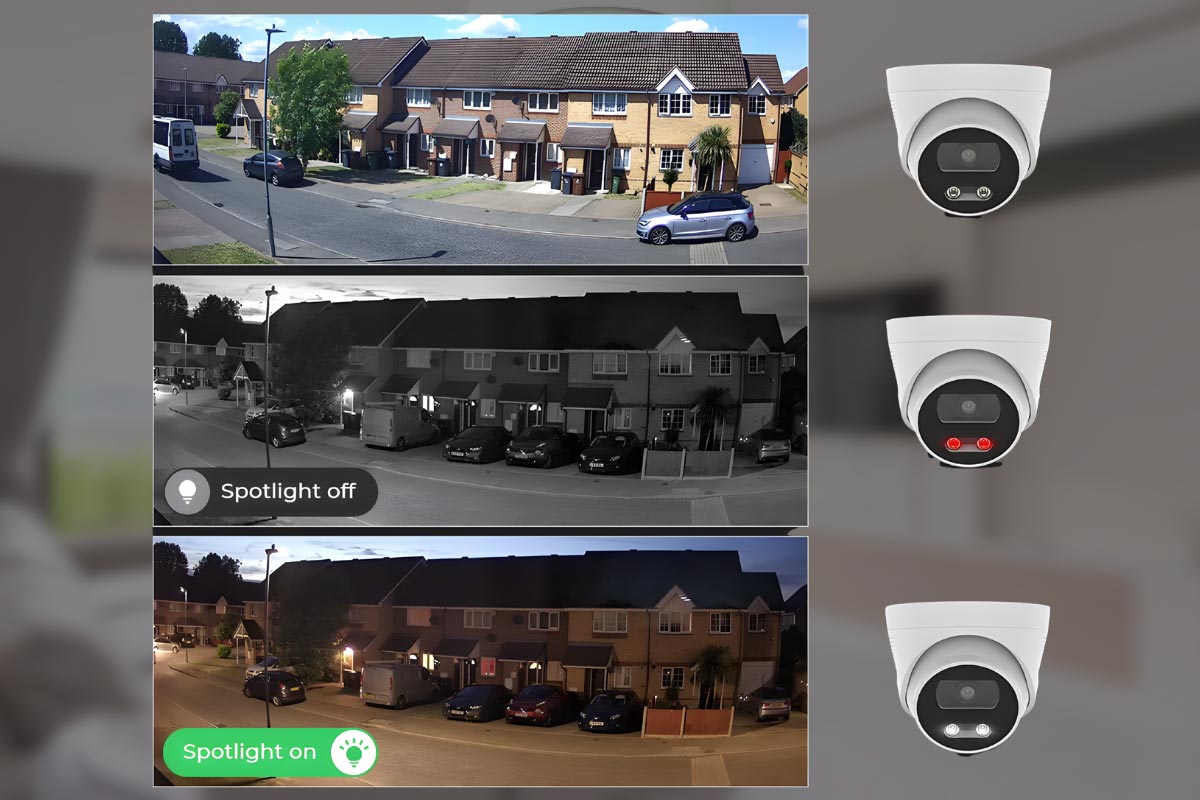
Most security cameras use infrared (IR) LEDs to see in the dark. However, falling snow can create a major problem. The snowflakes reflect the IR light directly back into the lens, creating a whiteout effect that obscures the view. This is known as IR bounce-back.
Look for cameras with Smart IR or adjustable IR intensity. This technology automatically reduces the IR brightness when an object (like a snowflake) is too close, preventing the image from being washed out and allowing you to see past the flurries.
Why High Dynamic Range (HDR/WDR) is Essential for Bright, Snowy Days
A pristine, snow-covered landscape on a sunny day is incredibly bright. This creates high-contrast scenes with deep, dark shadows. A standard camera will struggle, either overexposing the snow (turning it into a bright white blob) or underexposing the shadows (making them pitch black).
Wide Dynamic Range (WDR), sometimes called High Dynamic Range (HDR), is the solution. This technology takes multiple exposures at different levels and combines them into one balanced image. You can see details clearly in both the blindingly bright snow and the dark shadows simultaneously.
Storage and Installation Best Practices
A proper installation is just as important as the camera itself. A few key steps can dramatically improve your system's longevity and performance.
Cloud vs. Local SD Card Storage: Winter Reliability
- Local Storage (SD Card): This keeps recordings on the device, so it works even if your internet goes down. However, the SD card itself can be subject to failure in extreme cold, potentially leading to lost footage.
- Cloud Storage: This is highly reliable, as the footage is stored off-site. Its only weakness is its dependence on a stable internet connection, which can be a challenge for Wi-Fi cameras in winter.
The best solution is a hybrid approach: a camera that records to both a local SD card and the cloud. This provides redundancy and ensures your footage is safe, no matter what.
Key Installation Tips for Canadian Winters
Professional Installation Tips
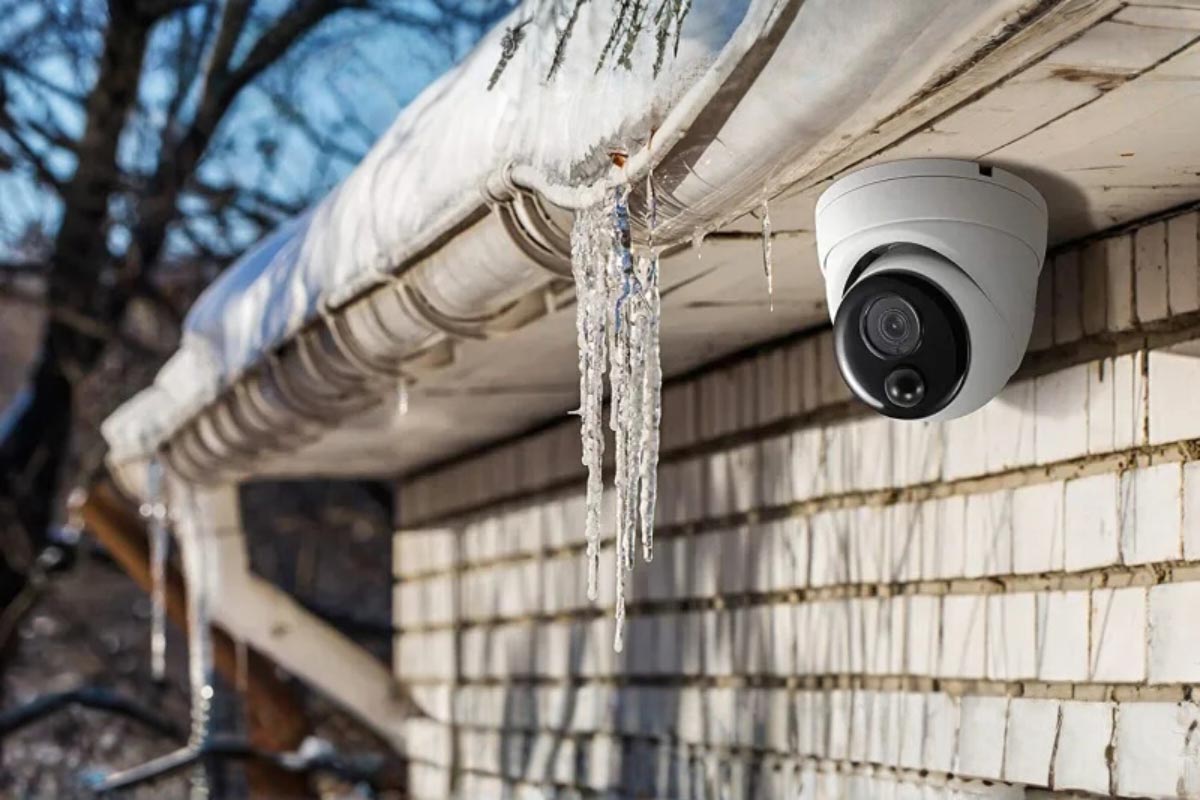
- Mount Under Eaves: Position your camera under a soffit or eave whenever possible. This provides a natural shield from the worst of the snow and ice
- Use Weatherproof Junction Boxes: Never leave wire connections exposed to the elements. Seal all connections inside a properly rated weatherproof junction box to prevent moisture from causing corrosion and shorts
- Create a Drip Loop: When running a wire into the camera, allow it to dip down slightly before it enters the housing. This "drip loop" ensures that water runs down and drips off the bottom of the loop instead of following the cable directly into the camera's seals
Privacy and Compliance for Outdoor Cameras in Canada
Outdoor cameras must respect your neighbors' privacy and comply with Canadian law.
PIPEDA and Provincial Privacy Laws
Canada's Personal Information Protection and Electronic Documents Act (PIPEDA) governs commercial use. For personal residential use, you have broader rights, but responsibilities remain:
Your Rights and Responsibilities
- You have the right to: Monitor your own property (front yard, driveway, backyard, roofline), Install cameras at entry points, Record activity on your land
- You must avoid: Capturing neighboring windows, balconies, or backyards, Recording public sidewalks directly (if possible, aim slightly higher or adjust angle), Intentionally filming neighbors in areas where they have reasonable privacy expectations
Conclusion
Choosing a security camera for a Canadian winter means prioritizing durability over flashy features. A camera that fails in a deep freeze is a liability. By focusing on the core requirements—a -30°C or lower operating temperature, an IP67 rating, reliable PoE power, and imaging technology like WDR—you invest in a system that works when it matters most. This approach ensures you have clear, reliable security coverage all year long, providing true peace of mind through the harshest of seasons.
Don't let your security be a fair-weather friend. If you're unsure whether your current system is ready for a Canadian winter, or if you'd like to design a setup that's built for our climate, Alarm Dealers is here to help.